
BAF ERP by Zeet Soft
One platform. Every part of your business.
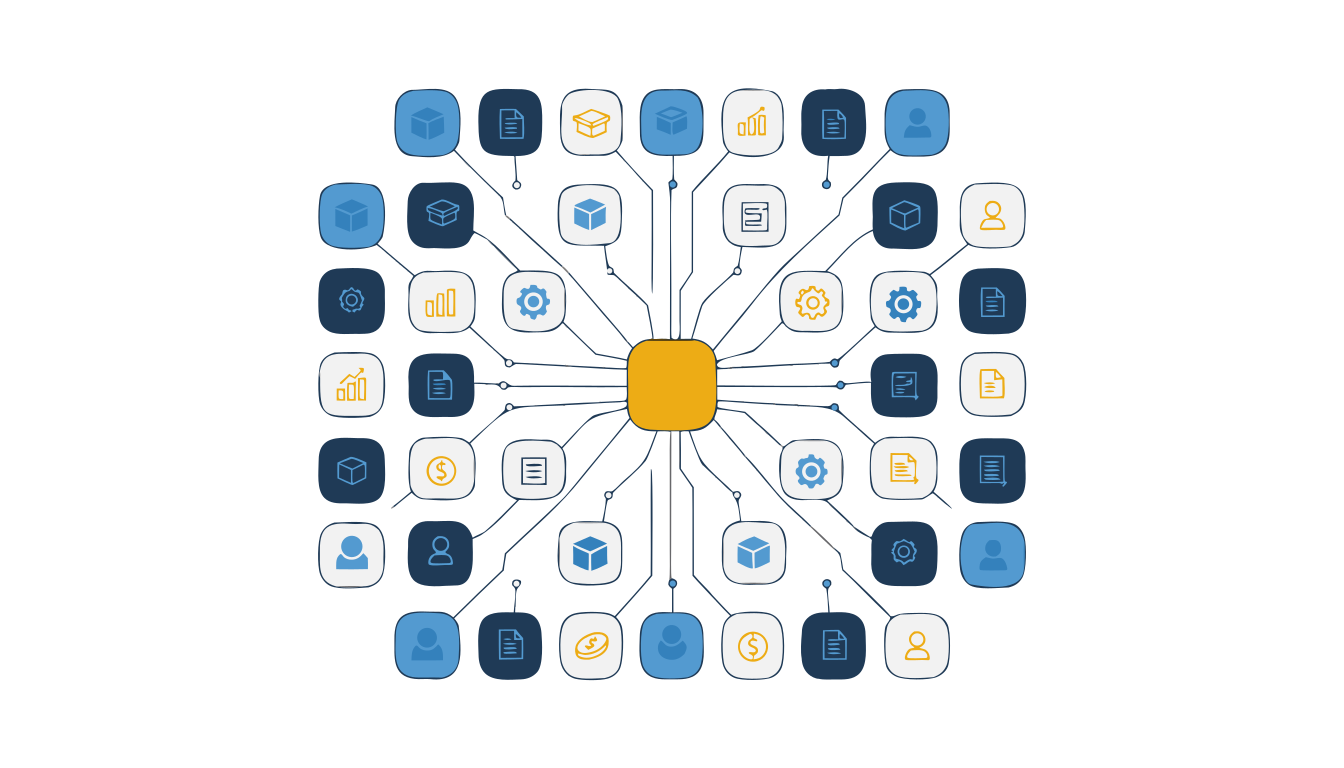
Explore 58 business modules alongside the BAF platform. Start with the areas you need, such as stock, sales or HR, and plan how they work together. Open a section below to see the features and a simple example.
New to ERP? Start here.
An ERP is simply one system that every department works in, instead of a separate
program - or a separate spreadsheet - for each one. When a salesperson raises an
order, the store, the factory and the accountant all see it immediately.
Pick only what you need
You are not buying all 58 modules. Most businesses start with two or three - say billing, stock and accounts - and switch on the rest as they grow.
Entered once, used everywhere
A customer, an item or an employee is created one time. Every module you turn on reads that same record, so nothing has to be copied, re-typed or reconciled.
It grows with you
Adding a branch, a product line or a whole new business is planned around your existing records and processes. Your history and reports come with you.
How you get started
Start with a walkthrough, then agree the setup, integrations and training your team needs.
- Tell us how you work We walk through your current process - including the spreadsheets and the registers.
- We switch on the modules Only the ones that fit, configured with your masters, branches and approval rules.
- Your team is trained Role by role, on your own data, so day one is not a demo.
- You go live and grow Add modules as you need them. Nothing has to be rebuilt to make room.
The core modules, in detail
These 19 modules are the ones most businesses run on. Open a module to see what it does, a practical example and the steps involved. Use the portal link to sign in, or request a guided demo for your business.
Win and serve customers
Everything from the first enquiry to the invoice, and the service call that comes after it.
01
Lead Management
Never lose an enquiry again
Lead Management
Never lose an enquiry again
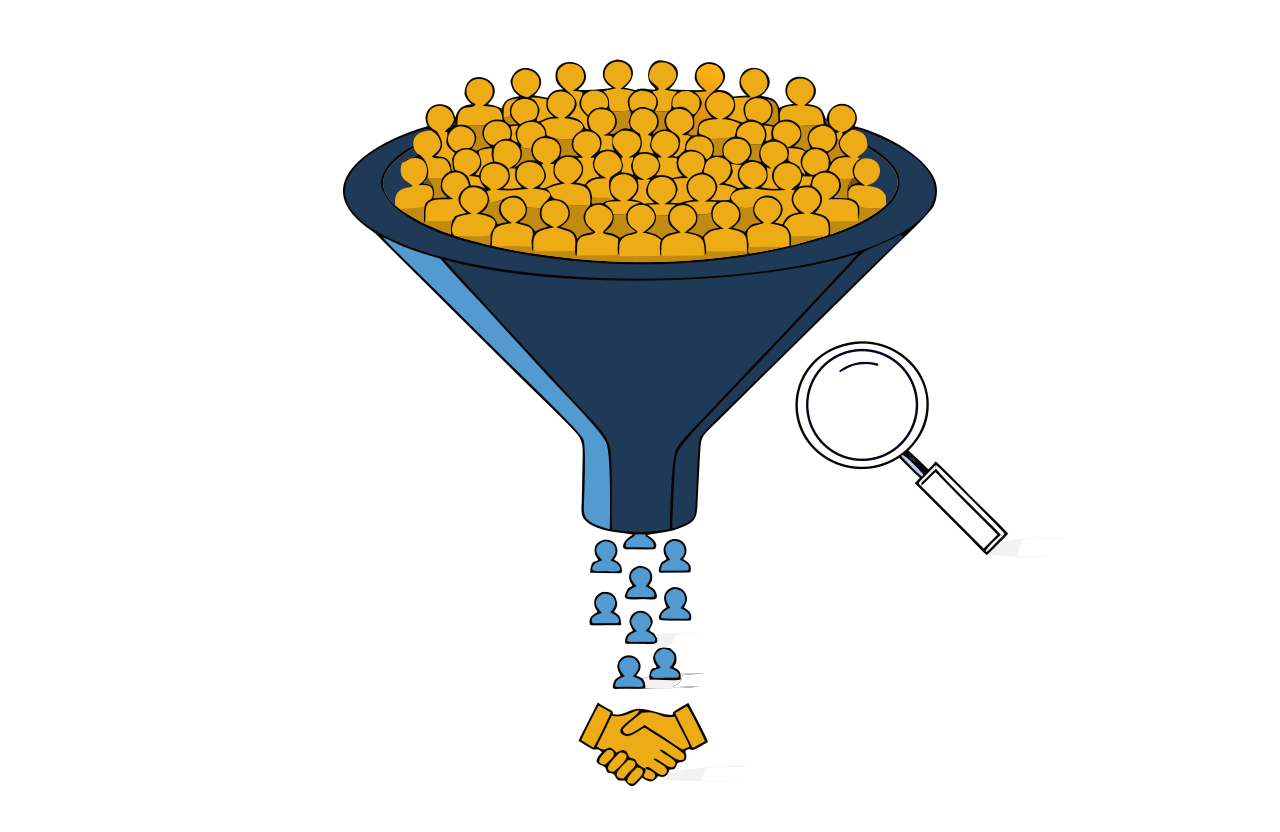
Every enquiry your business receives - a phone call, a website form, a walk-in, a referral - becomes a lead with an owner and a next action. Nothing sits in somebody's notebook, and you always know who is chasing what.
A customer calls about 20 office chairs. Record the enquiry, assign a salesperson and set a follow-up for tomorrow.
What is inside this module
- Dashboard
- Clients
- Vendors
- Projects
- Leads
- Audit Log
What you can do with it
How the work flows
- Capture The enquiry is recorded along with where it came from.
- Assign It goes to a named person, not a shared inbox.
- Follow up Every contact is logged against the lead.
- Convert Won leads move on to a quotation or an order.
02
Marketing
Reach the right people, then hand them to sales
Marketing
Reach the right people, then hand them to sales
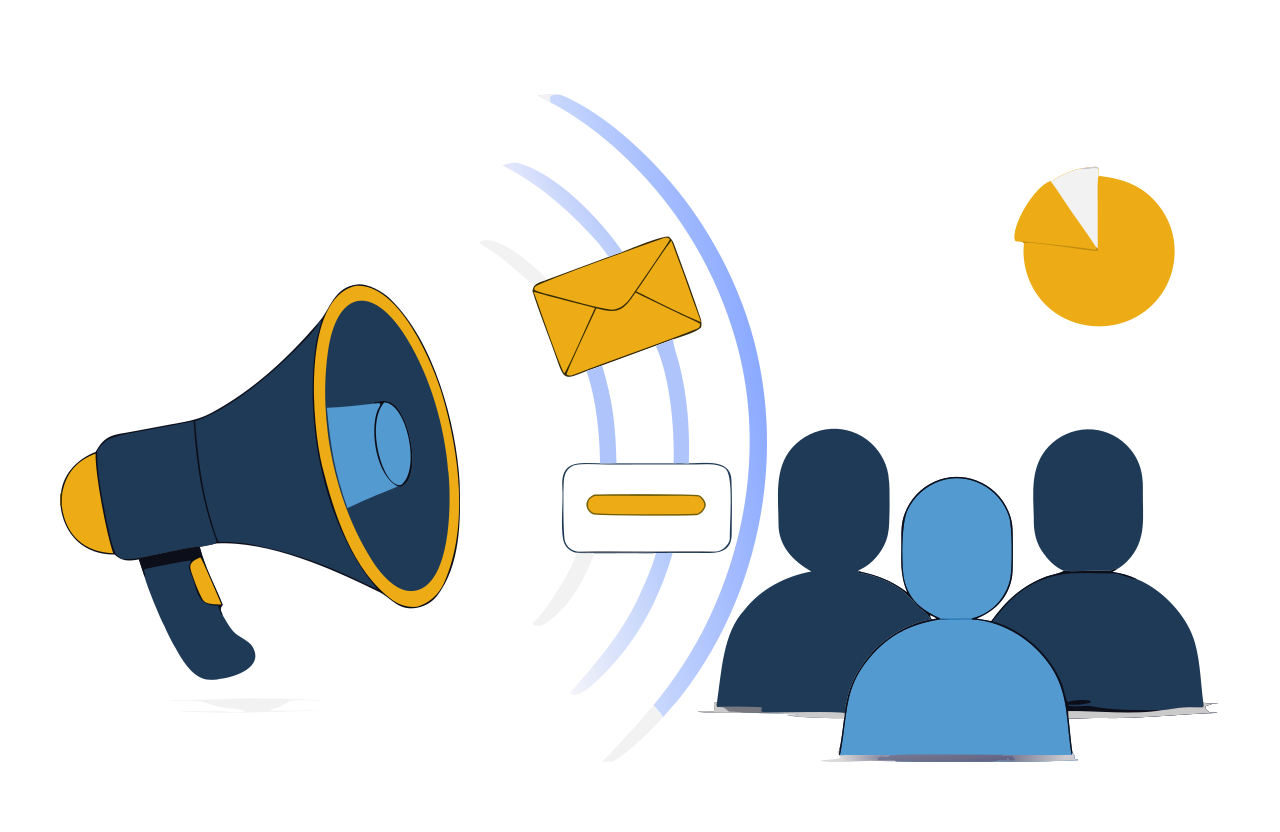
Build a contact list, split it into segments, and send the same message by email, SMS or WhatsApp. Track responses and follow-up leads alongside each campaign.
Send a furniture offer to your existing office customers, then record which enquiries came from that campaign.
What is inside this module
- Dashboard
- Configuration
- Audience
- Campaign
- Lead
What you can do with it
How the work flows
- Build the audience Import contacts and define your segments.
- Design the campaign Pick a template and set the message.
- Send on the channel Email, SMS or WhatsApp - or all three.
- Track the leads Responses become leads with the source attached.
03
CRM - Sales and Distribution
The whole customer journey in one record
CRM - Sales and Distribution
The whole customer journey in one record
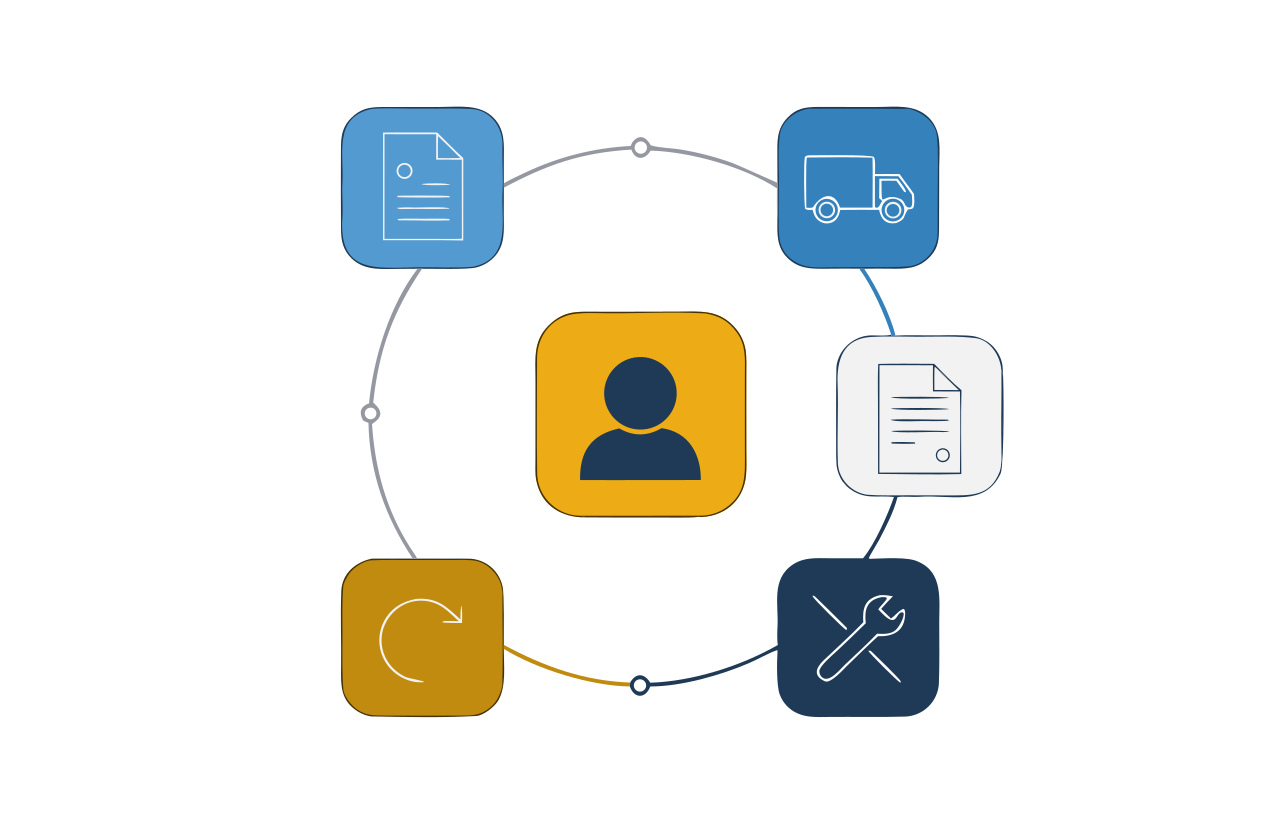
The full life of a customer in one place: the first enquiry, the quotation, the order, the dispatch, the invoice, the payment, and any service call or return that follows. Nobody re-keys the same details into a second system.
A dealer orders 50 cartons. Keep the quotation, order, delivery and payment against the same customer record.
What is inside this module
- Dashboard
- Configuration
- Purchase
- Pre-Sales
- Sales
- Post-Sales
- Service
- Returns
- Reports
What you can do with it
How the work flows
- Enquiry The customer asks; you quote.
- Order The quotation becomes a sales order.
- Dispatch Goods leave against a challan.
- Invoice Billing is raised from the dispatch.
- Collect Payment is recorded and the ledger closes.
04
Sales Monitoring
How selling is going today, not last month
Sales Monitoring
How selling is going today, not last month
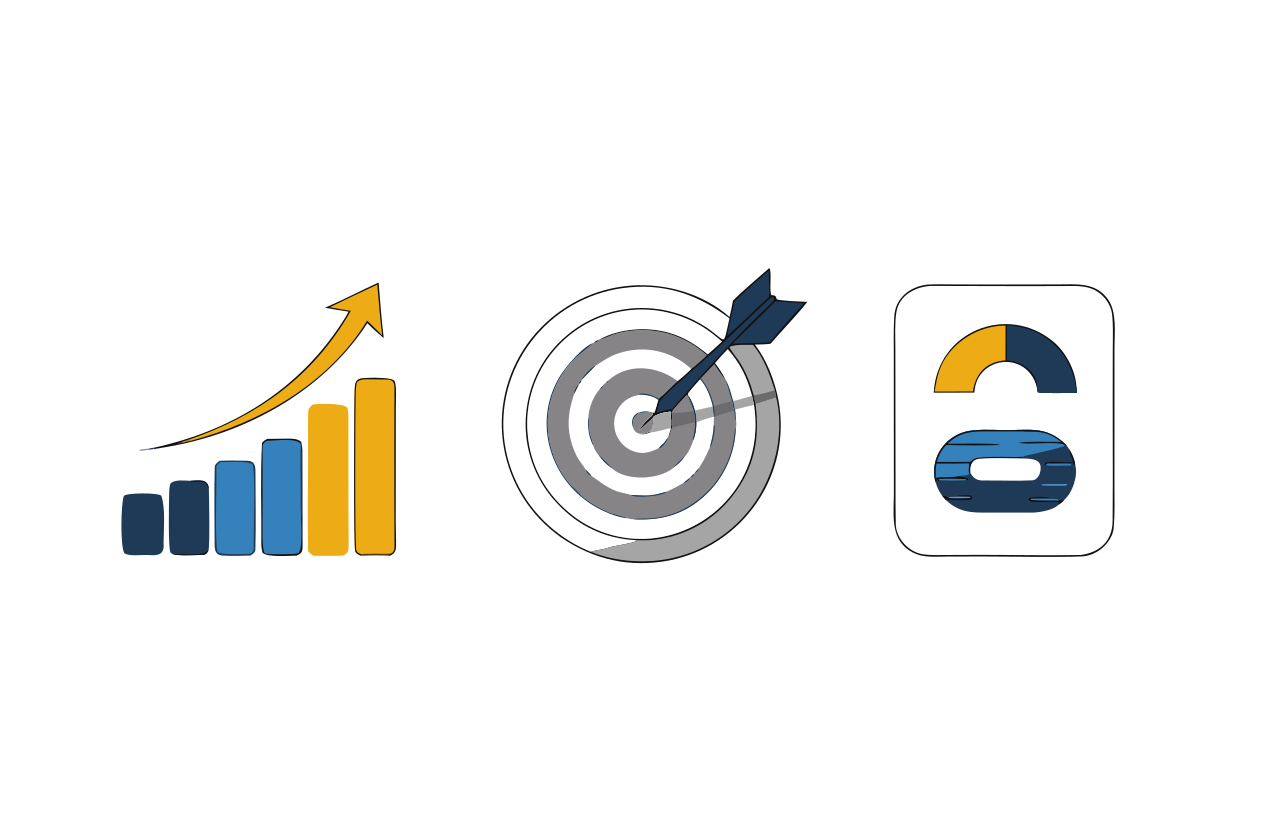
A live picture of sales by person, product and area, measured against the target you set. Instead of waiting for a month-end report, you see the gap while there is still time to close it.
A sales representative has a monthly target of 100 orders. Compare the 65 orders recorded so far with that target.
What is inside this module
- Dashboard
- Targets
- Salespersons
- Field Visits
- Schemes
- Reports
What you can do with it
How the work flows
- Set targets By person, product or area.
- Record activity Orders and visits flow in from the field.
- Compare Achievement is measured against target automatically.
- Act Step in on the gaps while the month is still open.
05
eCommerce
Your own online shop, wired into your stock
eCommerce
Your own online shop, wired into your stock
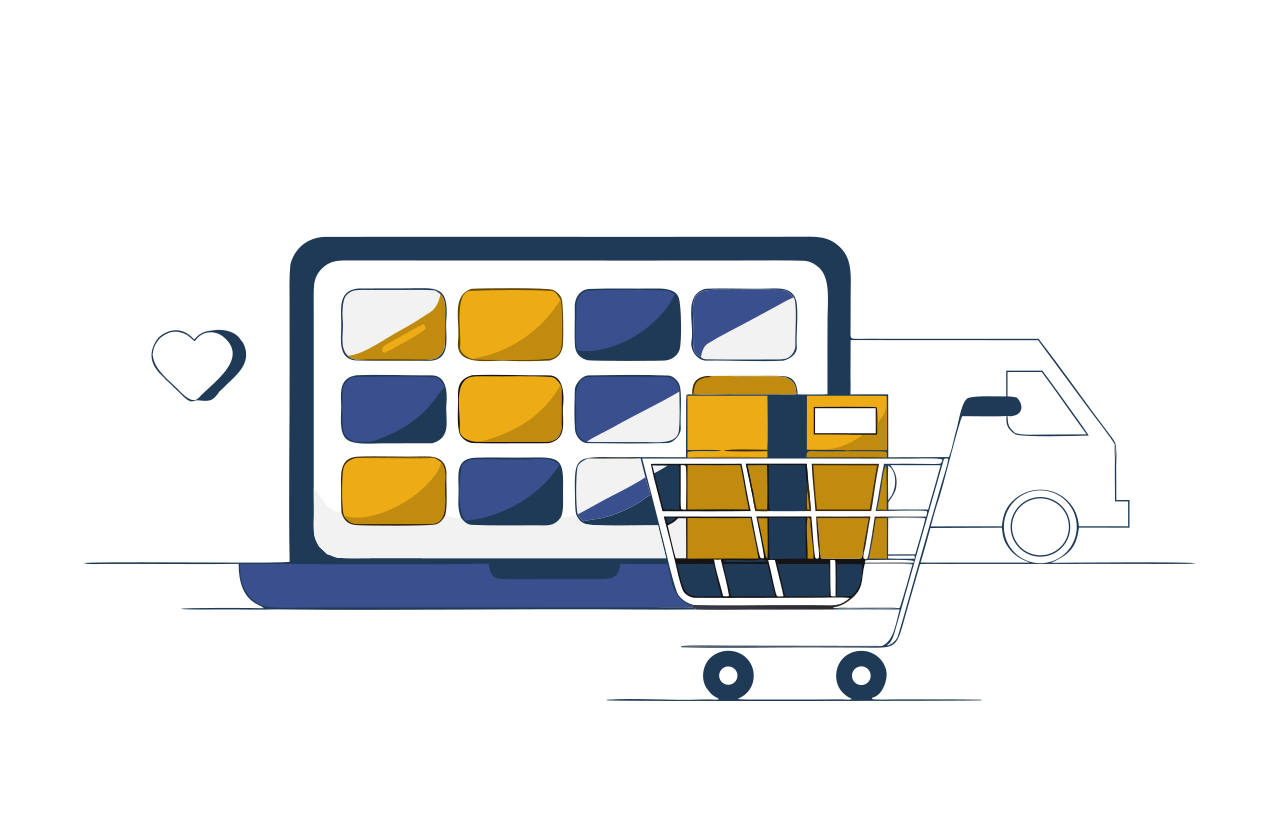
A storefront your customers can browse and buy from at any hour. They add to a cart, pay online and track delivery - and because the shop shares the same catalogue and stock as the rest of your system, nothing has to be reconciled by hand.
A customer chooses two products in your online shop, places an order and checks its delivery status.
What is inside this module
- Dashboard
- Configuration
- Products
- Consumers
- Offers
- Shipping
- Orders
- Reports
What you can do with it
How the work flows
- List products Prices, images and variations from your catalogue.
- Customer orders They browse, add to cart and check out.
- Payment Collected online and matched to the order.
- Allocate and deliver Assigned, shipped and tracked to the door.
06
Retail and Billing
Billing, ledgers and cash - without an accountant
Retail and Billing
Billing, ledgers and cash - without an accountant
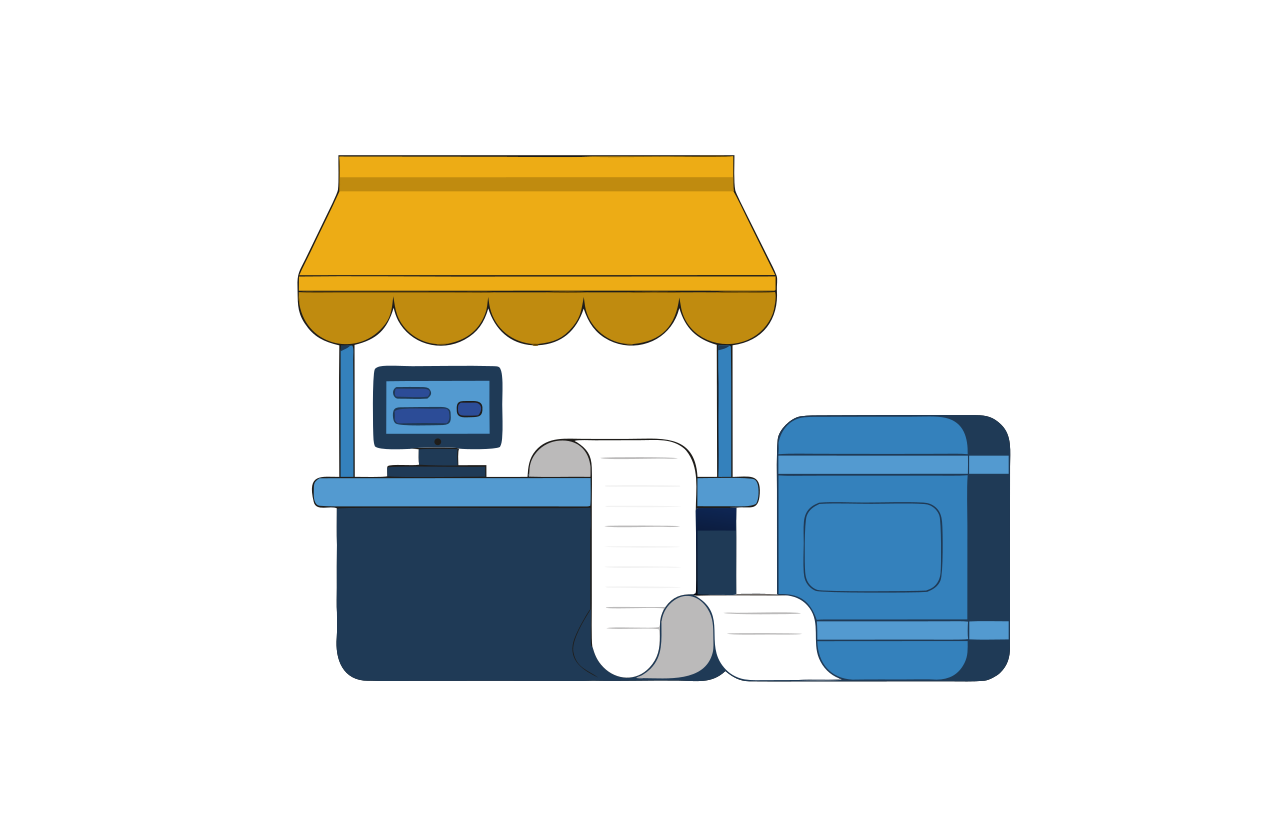
Built for a shop or a distributor. Make a bill, record a purchase, note an expense - and see exactly how much cash is in hand and what the bank balance should be. Party ledgers tell you who owes you, and for how long.
A shop records a sale and a supplier purchase, then checks cash received and customer dues at closing time.
What is inside this module
- Dashboard
- Configuration
- Parties
- Items
- Sales
- Purchase
- Expenses
- Cash and Bank
- Reports
What you can do with it
How the work flows
- Set up Add your items and your parties once.
- Bill Sales and purchases in a few keystrokes.
- Record payment Cash, cheque, bank or online.
- See the balance Cash, bank and outstanding, always current.
07
Point of Sale
A counter screen built for a queue
Point of Sale
A counter screen built for a queue
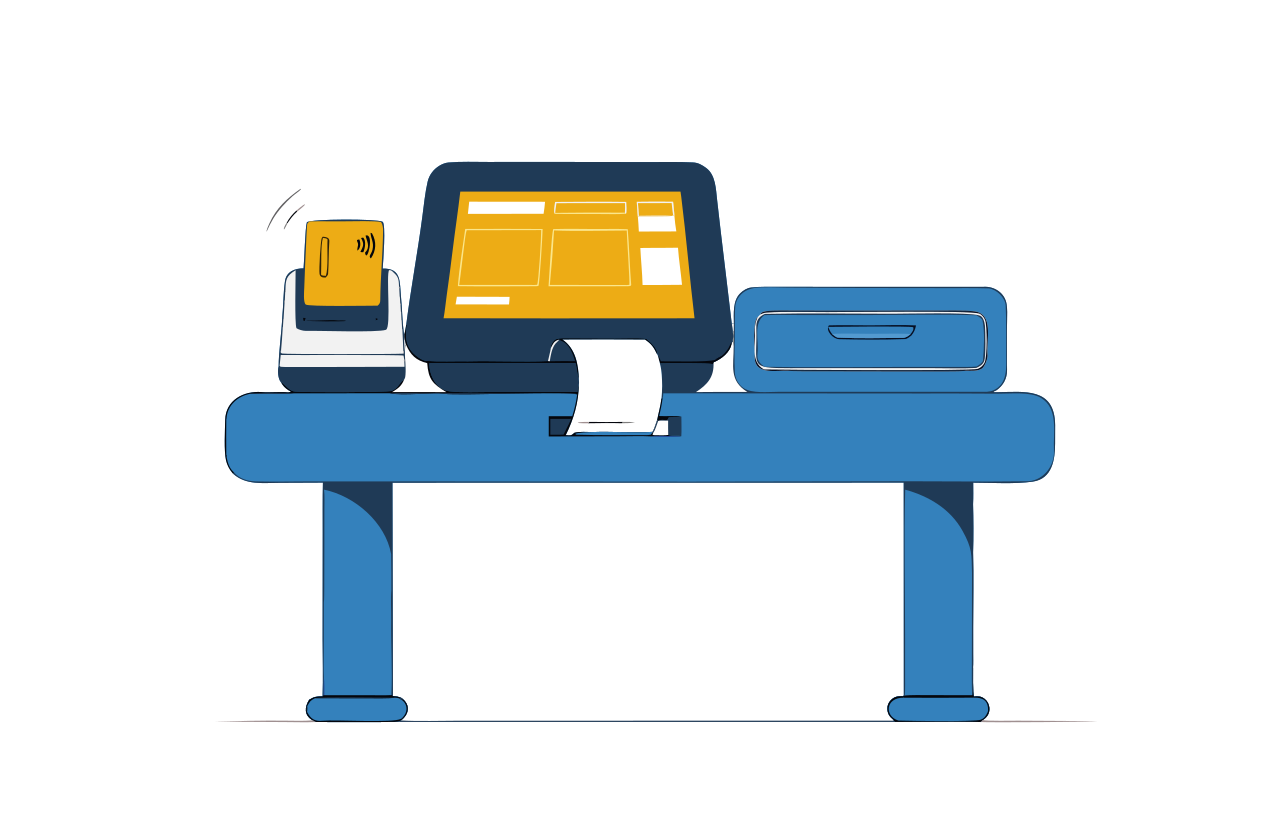
A fast, uncluttered billing screen for a busy counter. Scan, bill, take payment, print - and stock is reduced the moment the sale is made, helping the team keep the stock record up to date.
At a busy counter, scan three items, take payment and print the customer receipt.
What is inside this module
- Counter billing
- Item lookup
- Payments
- Shift and cash drawer
- Receipts
- Reports
What you can do with it
How the work flows
- Scan Items go into the bill as they are scanned.
- Bill Offers and taxes applied automatically.
- Pay One payment mode, or several.
- Print Receipt out, stock updated, shift totals moved.
Run day-to-day operations
Buy it, store it, make it, deliver it - and account for the work as it happens.
08
Inventory and Purchase
Know what you have, and buy at the right price
Inventory and Purchase
Know what you have, and buy at the right price
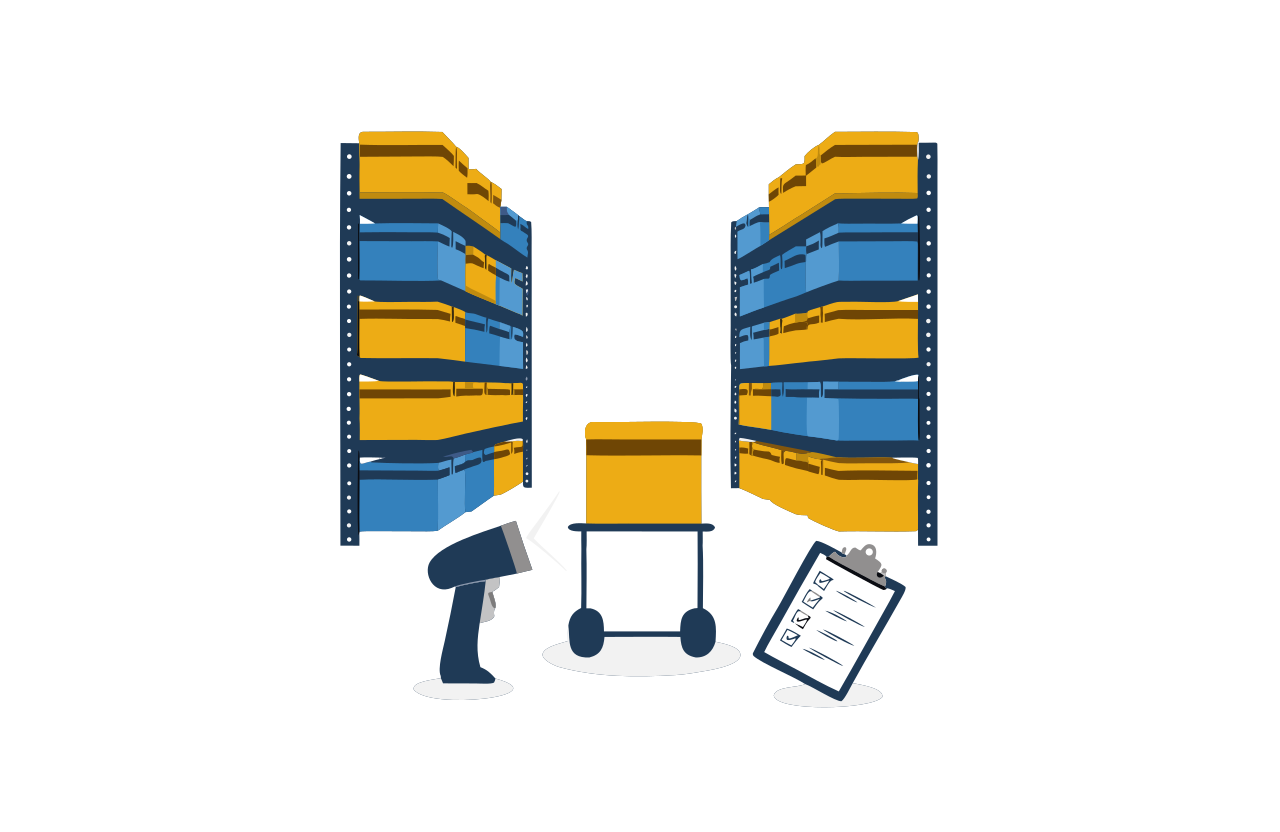
Know what you hold, where it is, and when to order more. A department raises a requisition, you invite quotations from suppliers, compare them side by side, place the order and receive the goods - and stock updates itself at every step.
Your store has 12 boxes left and needs 30 for a job. Raise a purchase request and record the boxes when they arrive.
What is inside this module
- Dashboard
- Configuration
- Suppliers
- Stock
- Requisition
- Indent
- Enquiry
- Quotation
- Comparison
- Purchase Order
- GRN
- Returns
- Reports
What you can do with it
How the work flows
- Requisition A department asks for what it needs.
- Compare quotes Suppliers quote; you compare on one screen.
- Purchase order The chosen supplier is ordered from.
- Receive (GRN) Goods are checked in against the order.
- Stock updated Balances move without anyone retyping them.
09
Supply Chain (SCM)
One view from supplier to customer
Supply Chain (SCM)
One view from supplier to customer
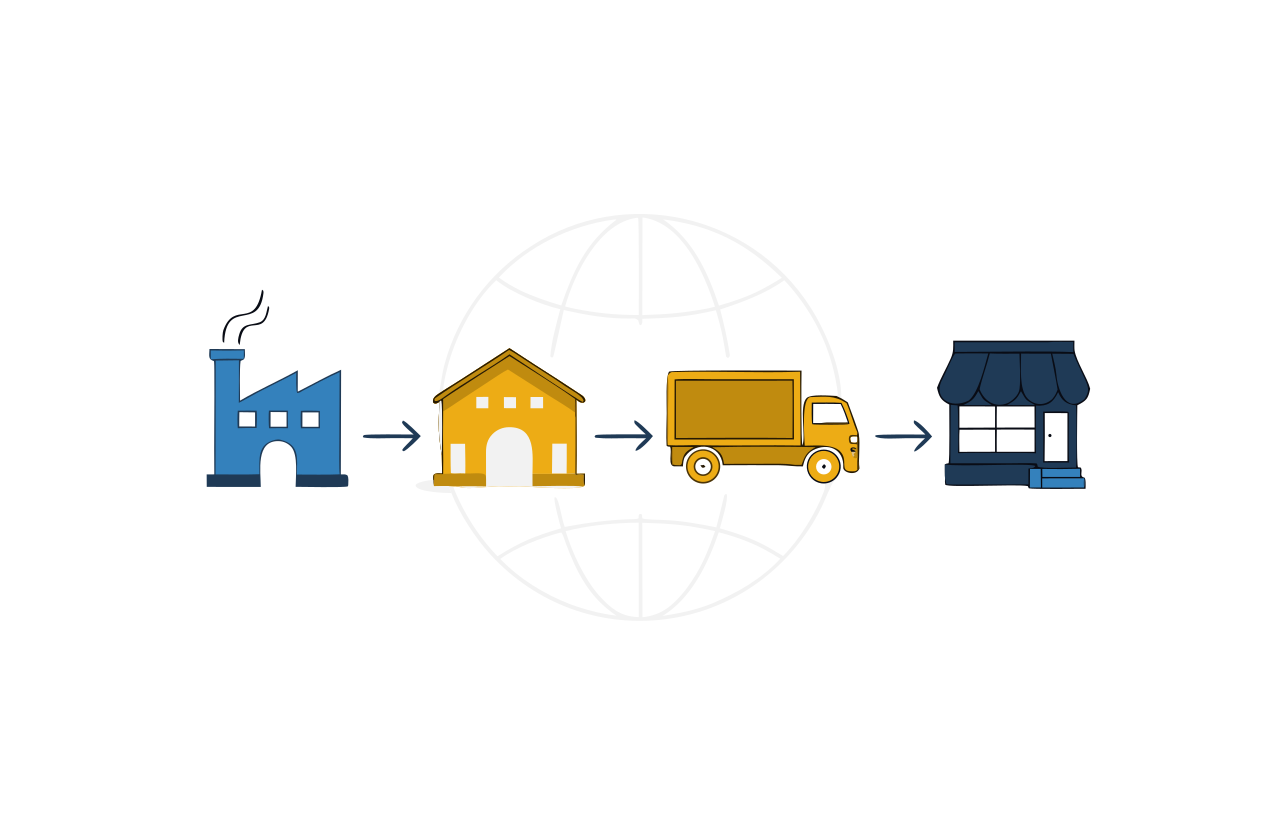
Ties suppliers, warehouses, transport and customers into a single chain, so you can see where a consignment is, what it cost to move, and which supplier keeps you waiting.
Track a shipment from a supplier to your warehouse and then to a branch, with a record of each handover.
What is inside this module
- Suppliers
- Warehouses
- Stock movement
- Transport
- Costing
- Reports
What you can do with it
How the work flows
- Plan Work out what is needed, and where.
- Source Order from the supplier who fits.
- Move Track it between locations.
- Deliver Reach the customer and close the loop.
10
Production
From sales order to finished goods
Production
From sales order to finished goods
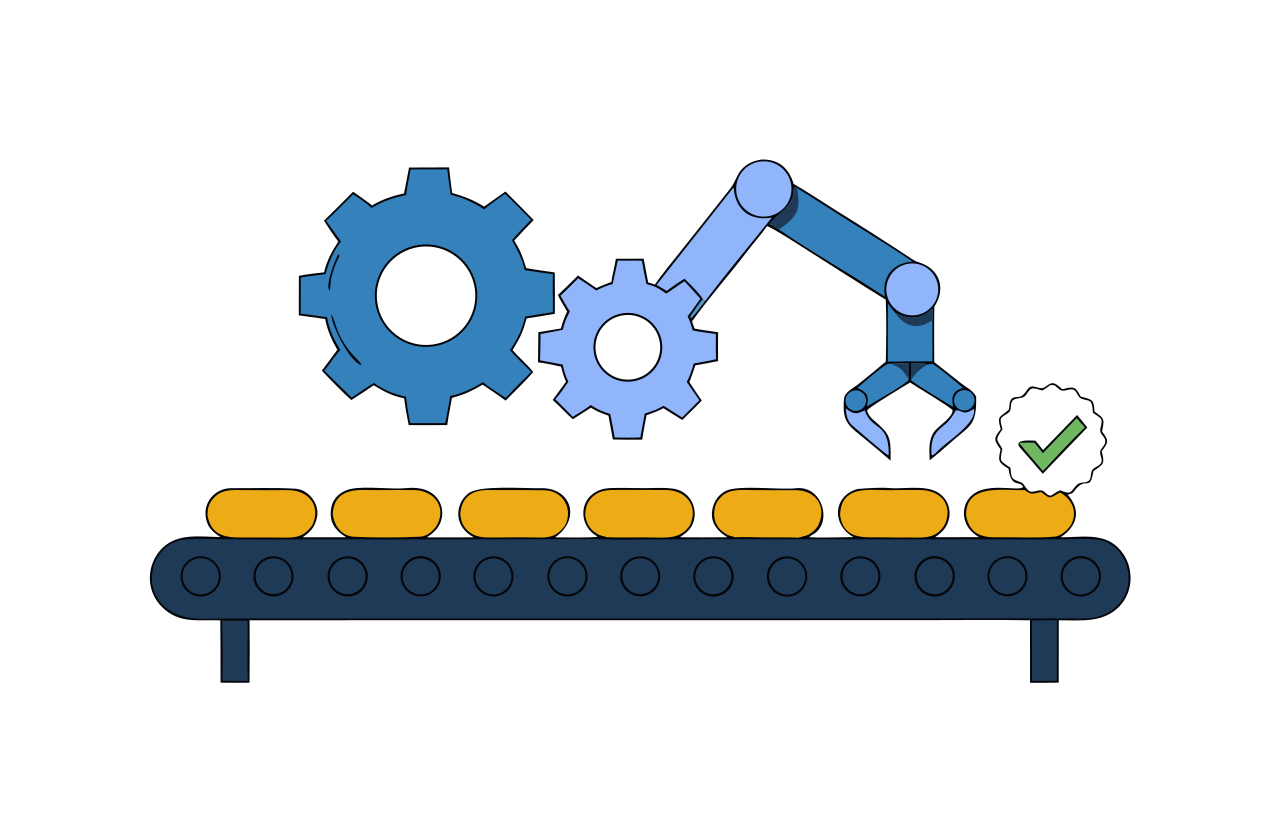
Takes a sales order, works out what has to be made, plans the run, and follows the job through every stage on the floor until it is checked and dispatched. You always know what is in progress and what is holding it up.
An order needs 100 tables. Plan the materials, follow cutting and assembly, and record the finished tables.
What is inside this module
- Dashboard
- Configuration
- Materials
- Products
- Composition
- Production Plan
- Mixing Plan
- Equipment
- Process
- Quality Tracker
- Dispatch
- Reports
What you can do with it
How the work flows
- Sales order Demand arrives from the sales side.
- Plan The run is scheduled against real capacity.
- Produce Each stage is recorded as it completes.
- Check quality Inspected before it is allowed out.
- Dispatch Sent against the order that started it.
11
Service Management
For any business that sells time or visits
Service Management
For any business that sells time or visits
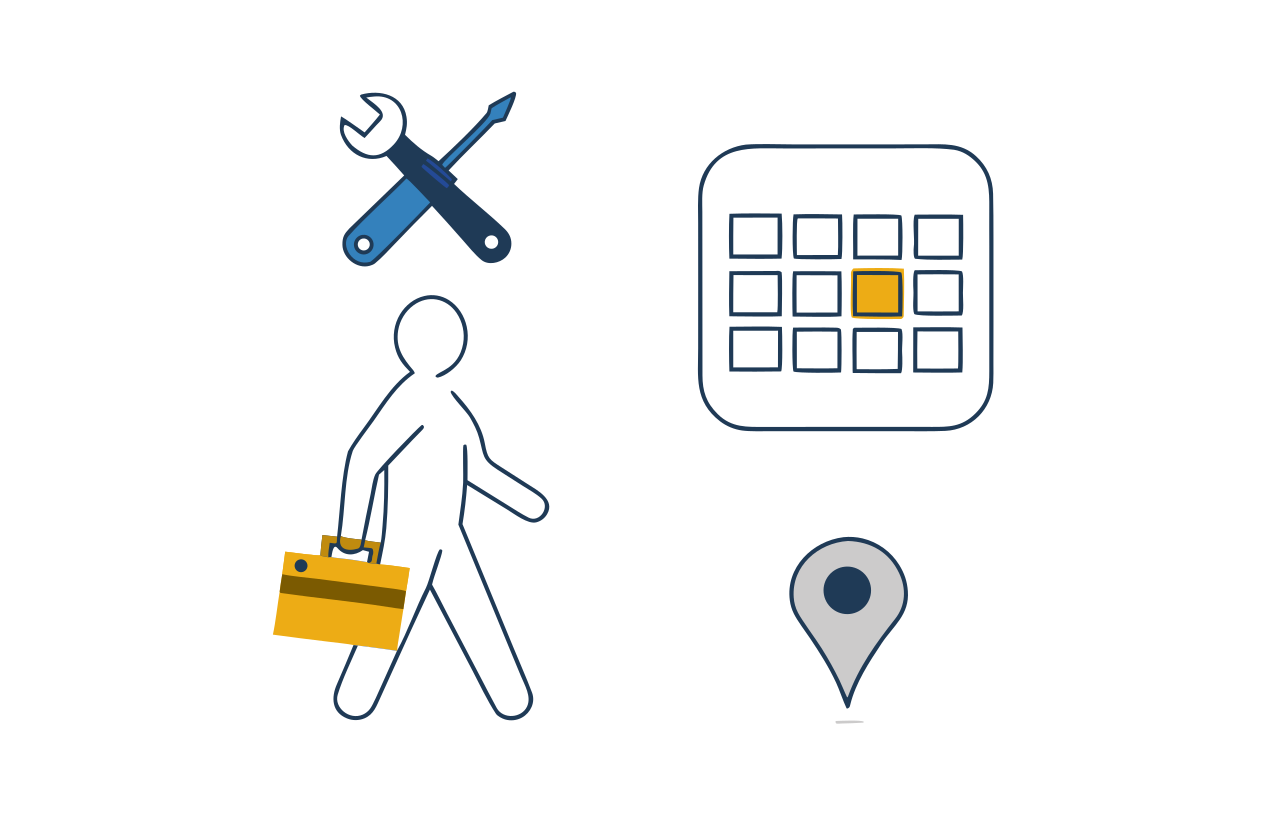
List what you do and what it costs, let customers book a slot themselves, schedule the person who will do it, and bill when it is done. Reminders go out on their own, so fewer appointments are missed.
A customer books an air-conditioner repair. Assign a technician, record the work and prepare the bill.
What is inside this module
- Dashboard
- Configuration
- Registration
- Service Setup
- Bookings
- Consumers
- Vendors
- Reports
What you can do with it
How the work flows
- List services With duration, cost and tax.
- Customer books Online, at a time that is really free.
- Schedule Assigned to a person with the right skill.
- Complete and bill Job closed, payment recorded.
Keep control and quality
The books, the quality system and the complaints desk that keep you audit-ready.
12
Financial Accounting
Books that fill themselves in
Financial Accounting
Books that fill themselves in
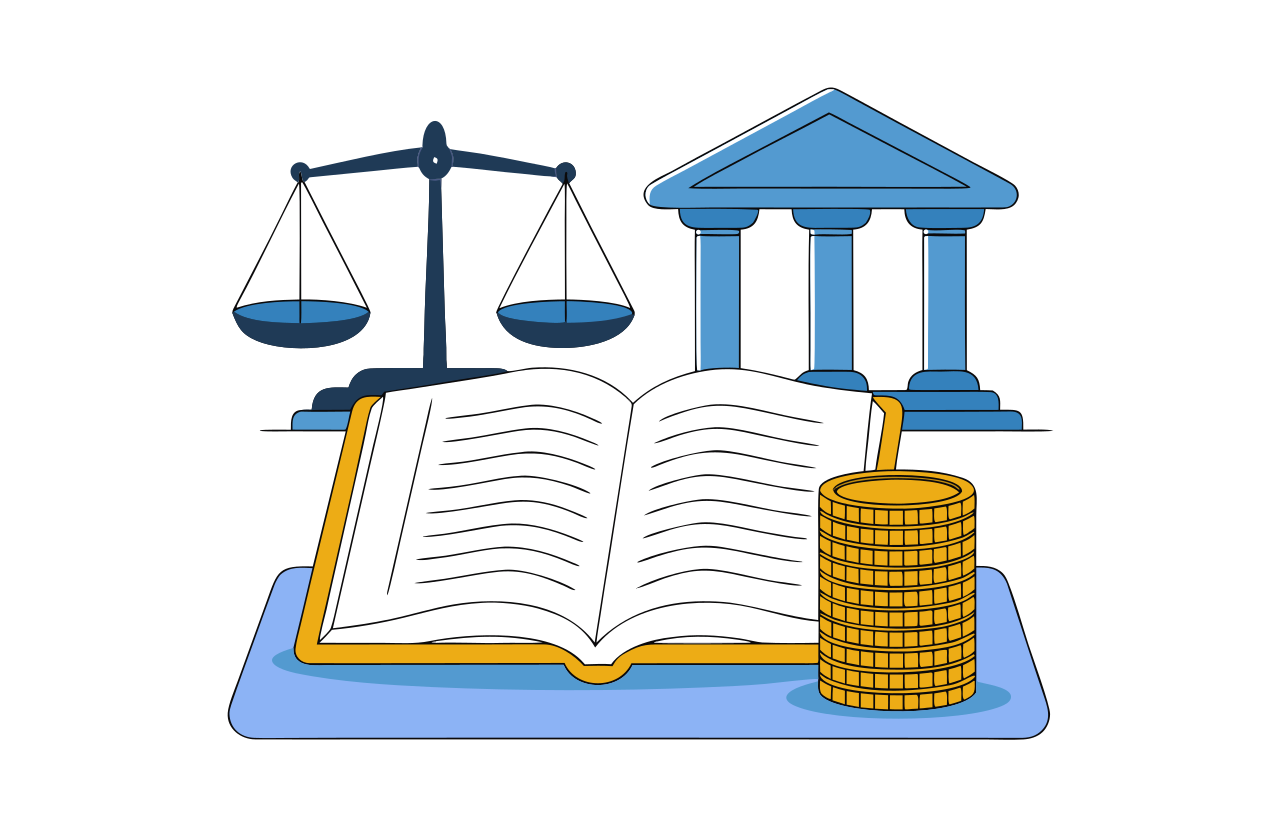
Proper double-entry books - except that most of the entries are already made. Sales, purchases, payments and payroll raised elsewhere in the system post here automatically, so your trial balance is current instead of six weeks behind.
Record a customer invoice and its payment, then check the remaining balance in that customer account.
What is inside this module
- Dashboard
- Configuration
- Cost Centres
- Account Info
- Voucher Entry
- Cheque Clearing
- Opening Balances
- Bank Reconciliation
- Reports
What you can do with it
How the work flows
- Set up ledgers Once, at the start.
- Entries arrive Posted automatically from the modules you use.
- Reconcile Bank and cheques matched off.
- Read the reports Trial balance and ledgers, always current.
13
Quality Management (QMS)
Walk into an audit already ready
Quality Management (QMS)
Walk into an audit already ready
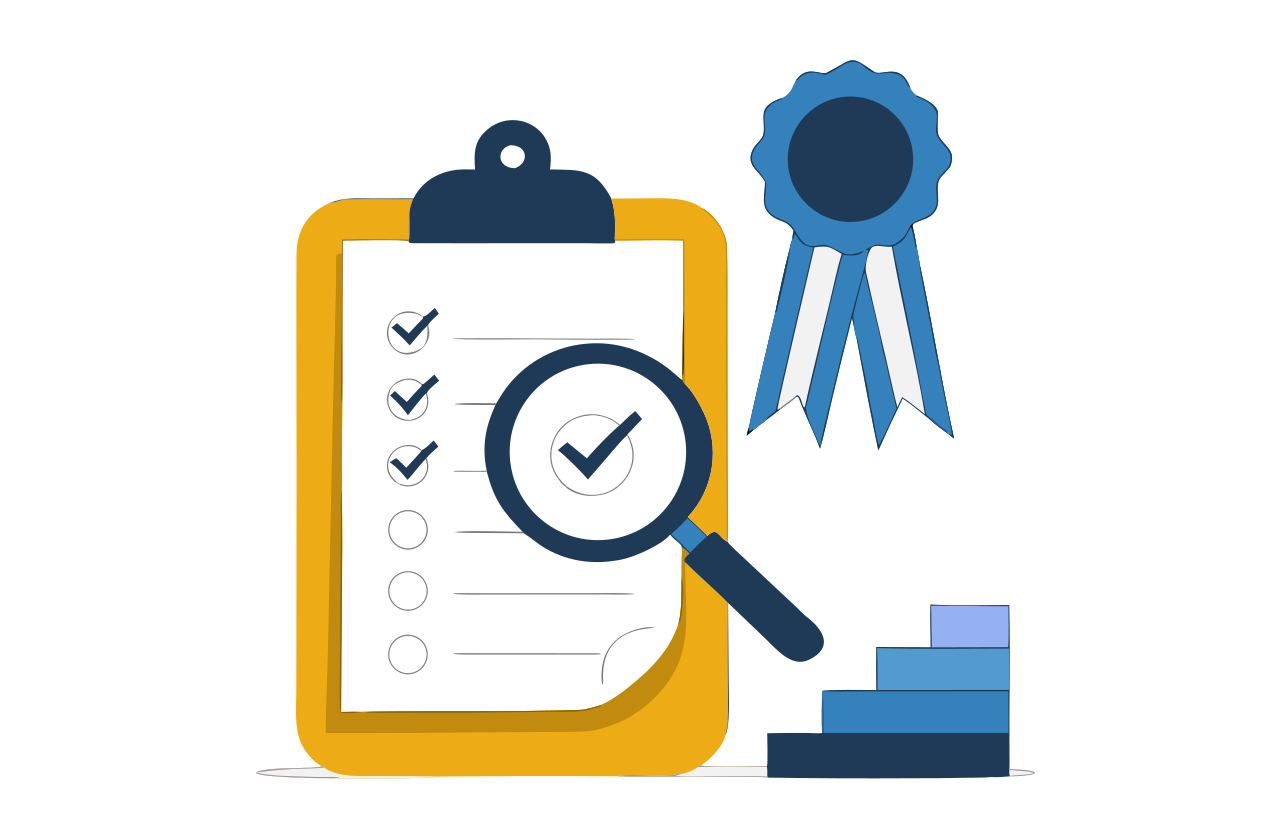
Runs your quality system the way an assessor expects to find it: controlled documents with revision history, planned audits, findings that turn into corrective actions, and a piece of evidence behind every claim you make.
An inspection finds a damaged batch. Record the finding, assign a corrective action and attach evidence of the recheck.
What is inside this module
- Dashboard
- Configuration
- Projects
- Documents
- Assurance
- Engineering
- Governance
- Agile
- Six Sigma
- Programs
- Libraries
- Communication
- Evidence
What you can do with it
How the work flows
- Define the framework The standard you work to, tailored to you.
- Plan assurance Audits, checklists and obligations scheduled.
- Run and record Findings raised as the work is checked.
- Close with evidence Actions completed, and evidenced.
14
Customer Grievance
Complaints that escalate themselves
Customer Grievance
Complaints that escalate themselves
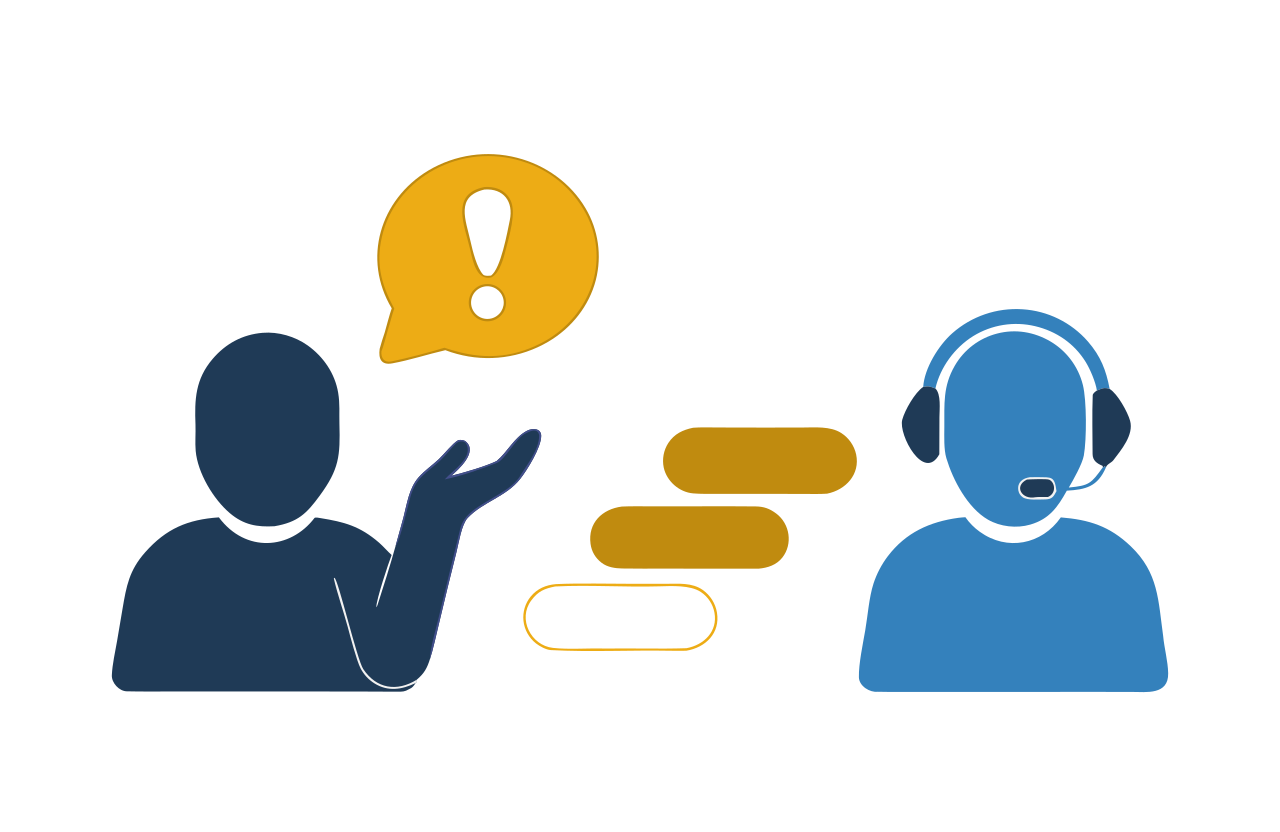
A complaint arrives, gets a reference number, and goes to the right desk. If nobody acts within the time you set, it climbs the escalation ladder on its own - so problems surface before the customer has to shout.
A customer reports a delayed delivery. Give the complaint a reference, assign an owner and track its resolution.
What is inside this module
- Dashboard
- Configuration
- Grievance Registration
- Allocation
- Monitoring
- Reports
What you can do with it
How the work flows
- Register The complaint is logged and numbered.
- Allocate It reaches the right desk.
- Act The owner works it and records what was done.
- Escalate If it runs late, it rises on its own.
- Close Resolved, with the customer informed.
Support your people
The team, the meetings, the documents and the messages that hold everything together.
15
HRMS
From the job advertisement to the final settlement
HRMS
From the job advertisement to the final settlement
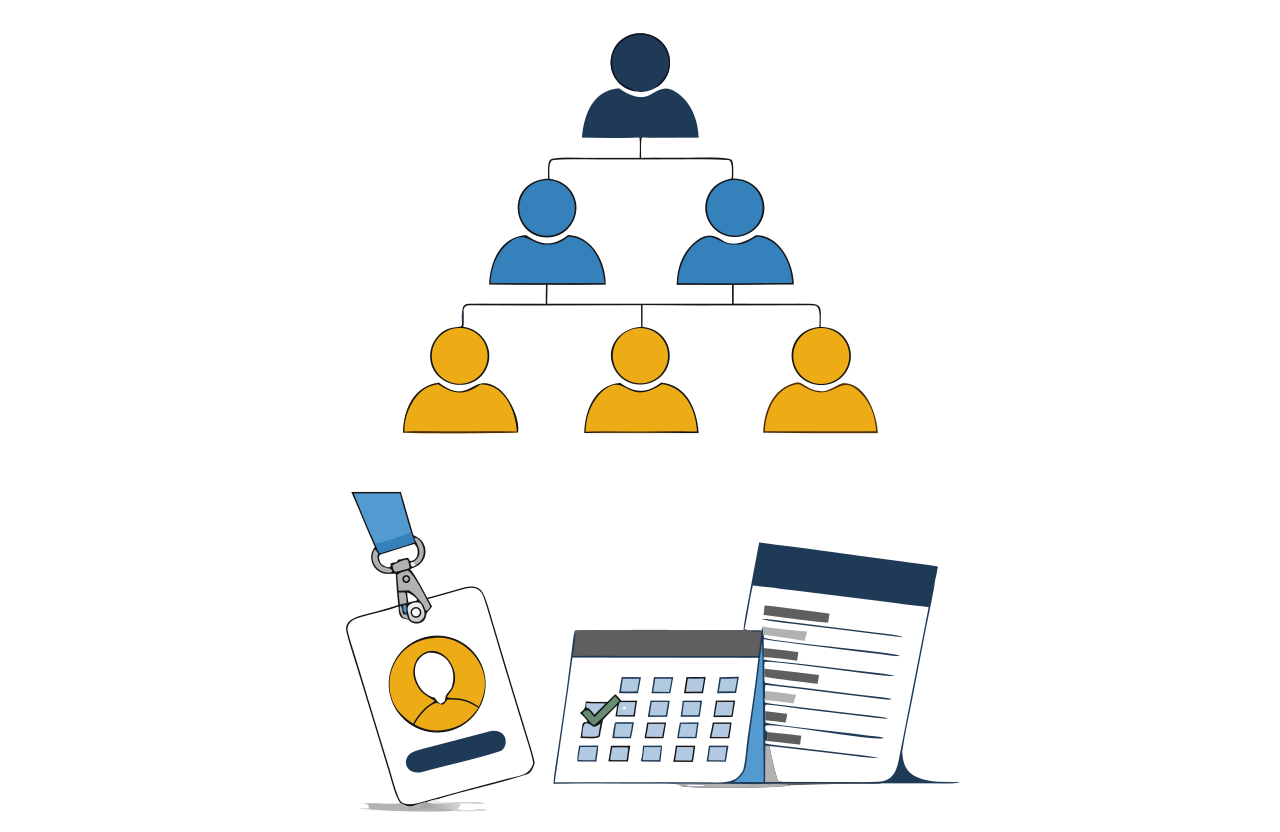
Everything about a person in one record, from the day you advertise the job to the day they leave. Hiring, joining, attendance, leave, tours, claims, payroll, training, appraisal and full-and-final settlement all draw on the same file - so payroll matches attendance, and every approval leaves a trail.
An employee requests two days of leave. The manager reviews it and the approved leave becomes part of the attendance record.
What is inside this module
- Dashboard
- Configuration
- Approval Workflow
- Recruitment
- Employees
- Calendar
- Attendance
- Meetings
- Leave
- Local Visit
- Tour
- Training
- Transfer
- Advance and Claim
- Payroll
- Appraisal
- End of Service
- Re-joining
- Reports
What you can do with it
How the work flows
- Hire Advertise, shortlist, interview, verify, offer.
- Onboard Joining formalities and documents completed.
- Run the month Attendance, leave, tours and claims.
- Pay Payroll calculated from what actually happened.
- Appraise Performance reviewed on a year of records.
16
My Office
Documents that live with the data
My Office
Documents that live with the data
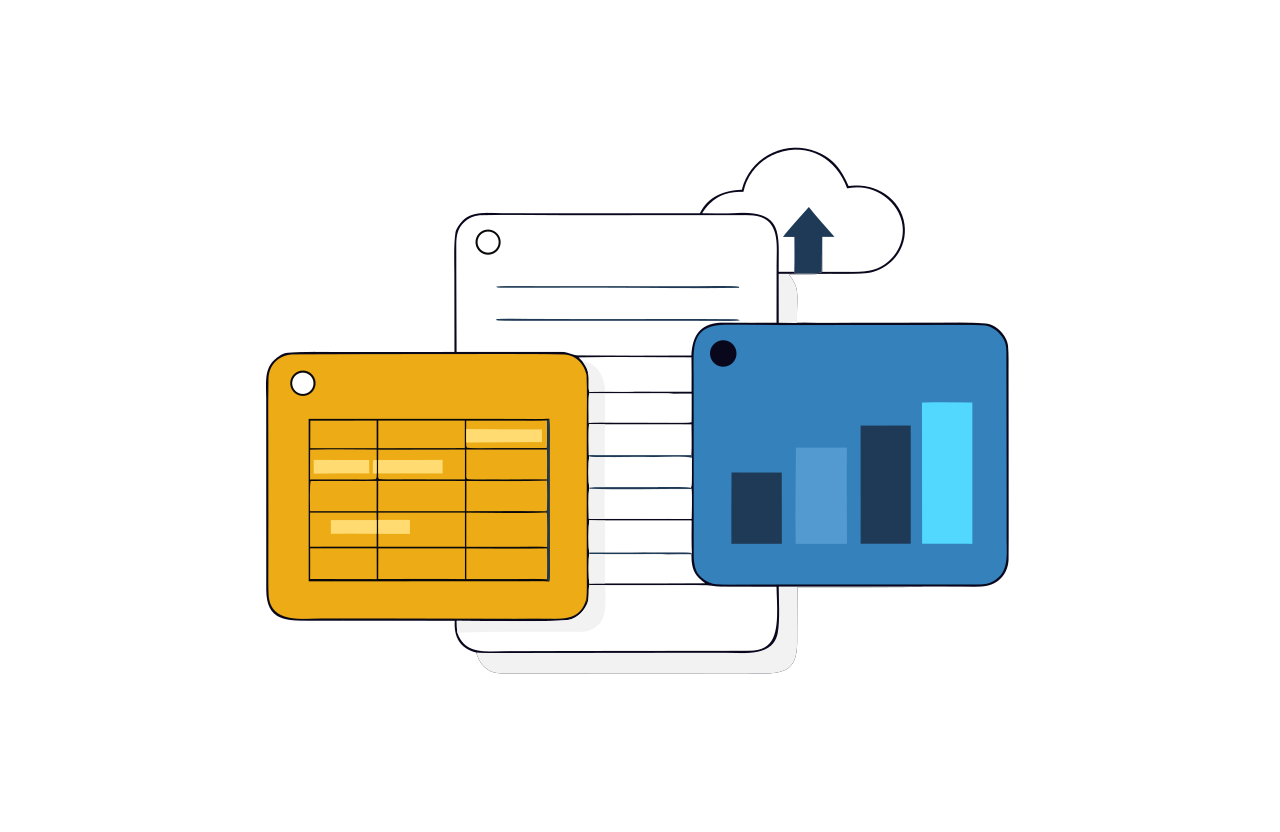
Documents, spreadsheets, presentations and diagrams created inside your ERP login - so the file and the records it talks about sit in the same place, under the same permissions, instead of on somebody's laptop.
Keep a team proposal and its supporting spreadsheet together so colleagues can find the current files.
What is inside this module
- Dashboard
- Configuration
- Documents
- Spreadsheets
- Presentations
- Diagrams
- Projects
- Teams
- Reports
What you can do with it
How the work flows
- Create A document, sheet, deck or diagram.
- Share With a team or a project, by role.
- Work together Everyone on the current version.
- Keep it Filed against the record it belongs to.
17
Meeting
Decisions that survive the meeting
Meeting
Decisions that survive the meeting
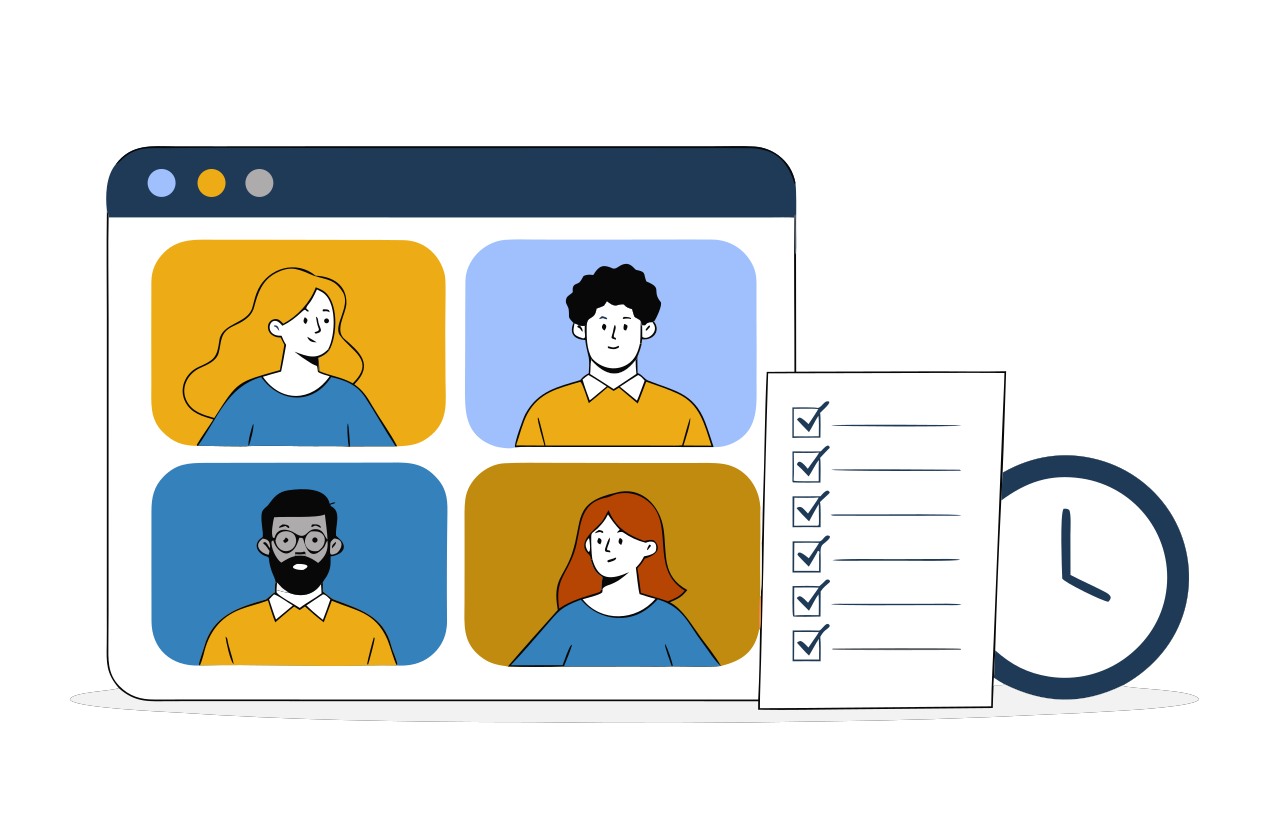
Call the meeting, circulate the agenda beforehand, record what was decided, and give every decision an owner and a due date. The next meeting starts from whatever was left open at the last one.
After a weekly review, assign the stock-check action to a colleague with a Friday due date.
What is inside this module
- Meeting calendar
- Agenda
- Participants
- Minutes
- Action points
- Reports
What you can do with it
How the work flows
- Schedule Time, place and participants.
- Circulate the agenda Before, not during.
- Record minutes Decisions written down as they are made.
- Track actions Owners and dates followed up.
18
Alert and Notification
The system tells you before you have to ask
Alert and Notification
The system tells you before you have to ask
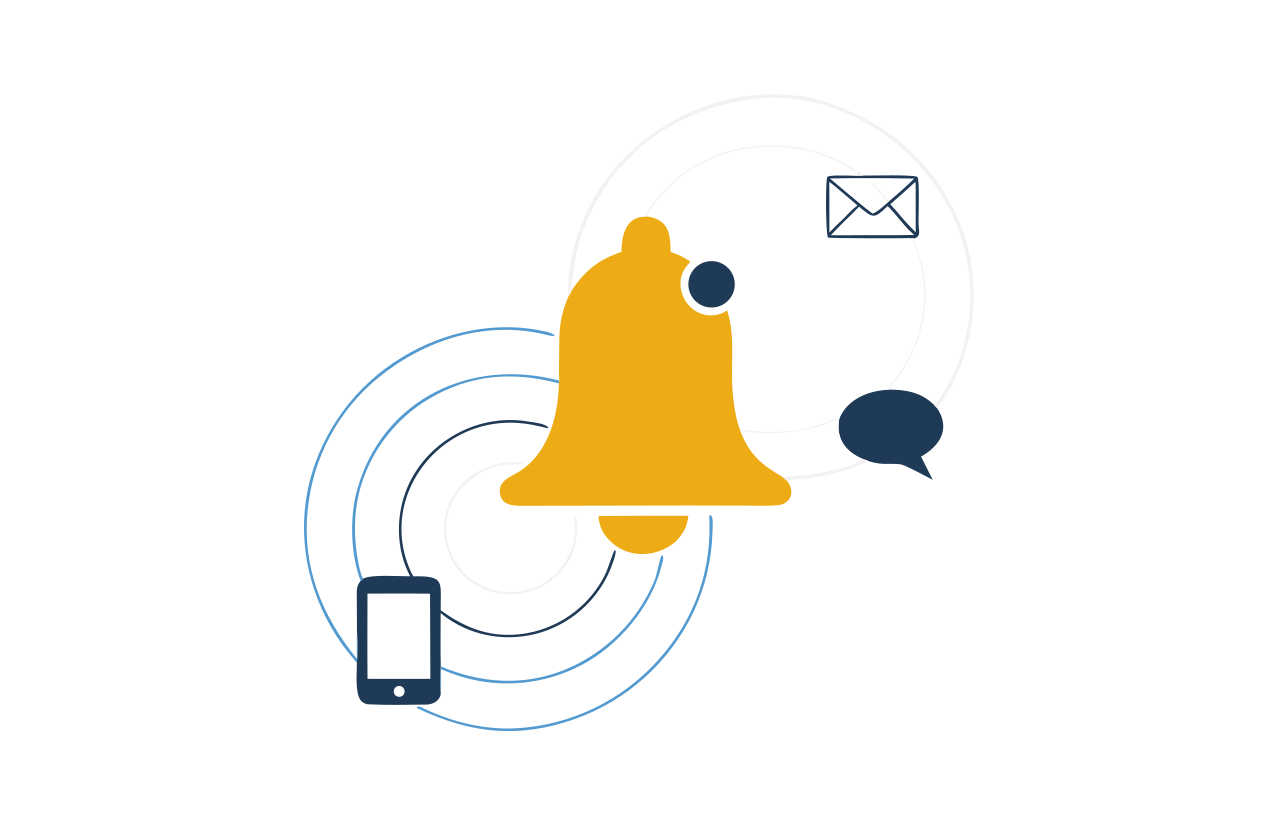
Rules that watch your data and tell the right person at the right time - by email, SMS, WhatsApp or a notice inside the portal. Stock below a level, a payment overdue, an approval waiting: somebody hears about it without anyone remembering to check.
Set a reminder for an overdue invoice so the responsible person knows which customer to follow up with.
What is inside this module
- Dashboard
- Configuration
- Rules
- Templates
- Delivery log
- Reports
What you can do with it
How the work flows
- Define the rule The condition that matters to you.
- Pick the channel And the people who should hear it.
- It fires Automatically, day or night.
- Check the log Evidence that it went out.
19
Website and Portal
A site you can edit, that feeds your pipeline
Website and Portal
A site you can edit, that feeds your pipeline
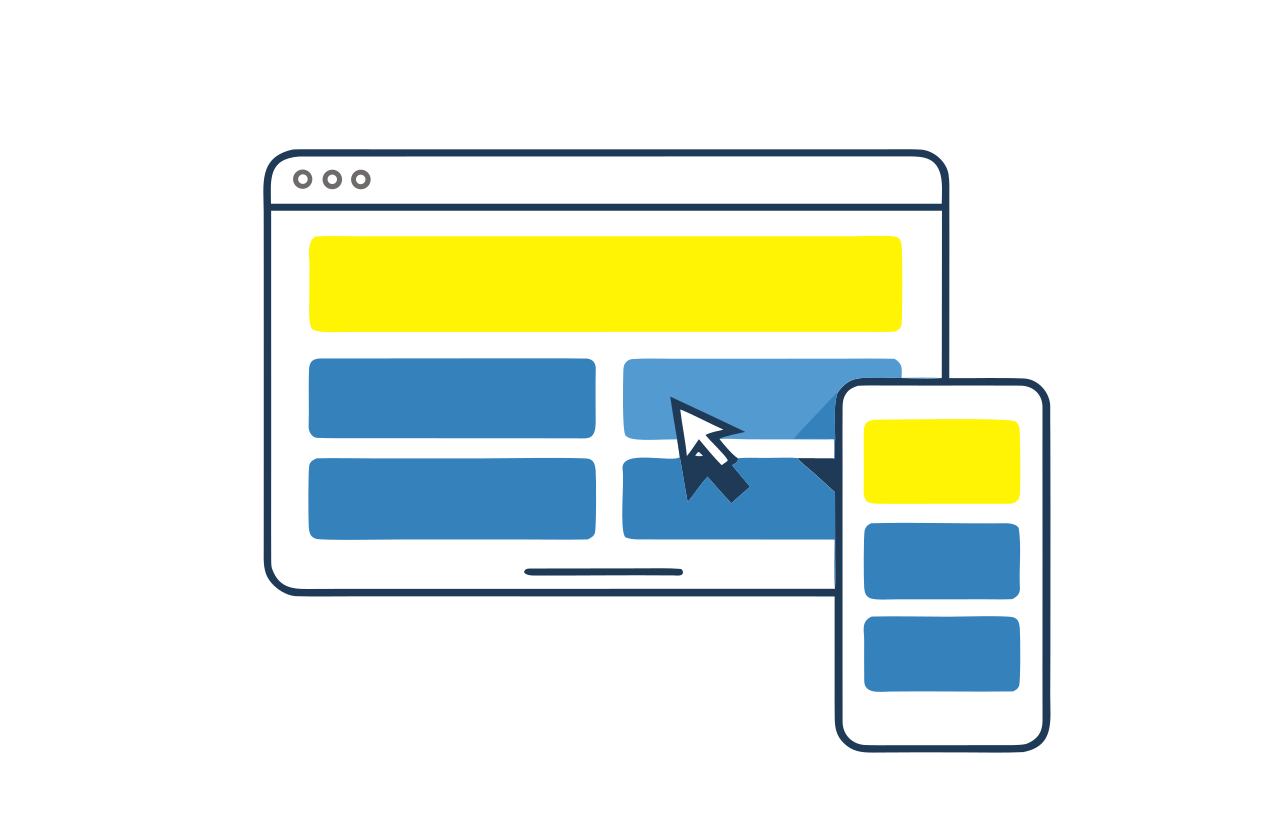
Your public website and your customer portal, edited from the same login as everything else - no developer needed for a price change or a new page. Connect enquiry forms to your lead-handling process.
Update a service description on your website and collect enquiries from visitors in a structured form.
What is inside this module
- Dashboard
- Configuration
- Templates
- Pages
- Banners
- Header and Footer
- Videos
- Visitor Tracking
- Enquiries
- Reports
What you can do with it
How the work flows
- Pick a template Branded to you.
- Build the pages Blocks, images and text.
- Publish Live, without a release cycle.
- Enquiries arrive Straight into your lead list.
39 more modules by industry and service
Browse the other modules in our current catalogue. Filter by sector or search for a
name, then expand a card to read its purpose and request a walkthrough.
Showing 39 of 39 modules
Advertisement
Book, schedule and bill advertising space across your channels.
Apartment
Society management - residents, maintenance dues and complaints.
API
Connect another application to BAF through its API, with access configured for your integration.
Broadband
Plans, subscribers, usage and recurring billing for an internet provider.
Canteen and Catering
Menus, coupons, headcount and billing for a canteen or caterer.
Child Care
Admissions, daily records and parent updates for a creche or day-care.
Construction
Land, projects, phases, units, bookings, demand letters and handover.
Health Club
Memberships, plans, attendance and dues for a gym or club.
Help
Earn points for helping colleagues and customers, and redeem them later.
Home
Home services - request a job, assign a technician, close it and bill it.
Jobs
Post vacancies, receive applications and shortlist candidates.
Municipality
Citizen services, property tax, licences and complaints for a local body.
Old Age Home
Residents, care plans, medicines and visitor records.
Orphan Home
Children's records, sponsorship, education and welfare tracking.
Payment
Manage payment requests and track their status alongside your business records.
Planning
Set objectives, break them into plans, and track progress against them.
Real Estate
Unit inventory, site visits, bookings and broker commissions.
Restaurant
Tables, menu, kitchen orders and billing for a restaurant.
Scanning and Printing
Digitise paper records, index them, and print on demand.
Sports
Teams, fixtures, results and standings for a league or academy.
Startup
A light back office for a new business - leads, invoices and expenses.
Study
Run a school, college or coaching centre - courses, batches, students, teachers, fees.
Ticket Booking
Sell and validate tickets for any event, ride or service.
Training
Plan training programmes, enrol participants and score assessments.
Travel
Enquiries, quotations, bookings and vouchers for a travel agency.
Utility
Connections, meter readings, billing and collections for a utility.
Vehicle Booking
Vehicles, drivers, fares, bookings, cancellations and feedback.
What every module is built on
BAF provides the common foundation for your modules. We help you choose the
permissions, reports and integrations needed for your setup.
Not sure which modules you need?
Tell us how your business runs today and we will tell you honestly which two or three modules to start with - and which ones you can leave for later.